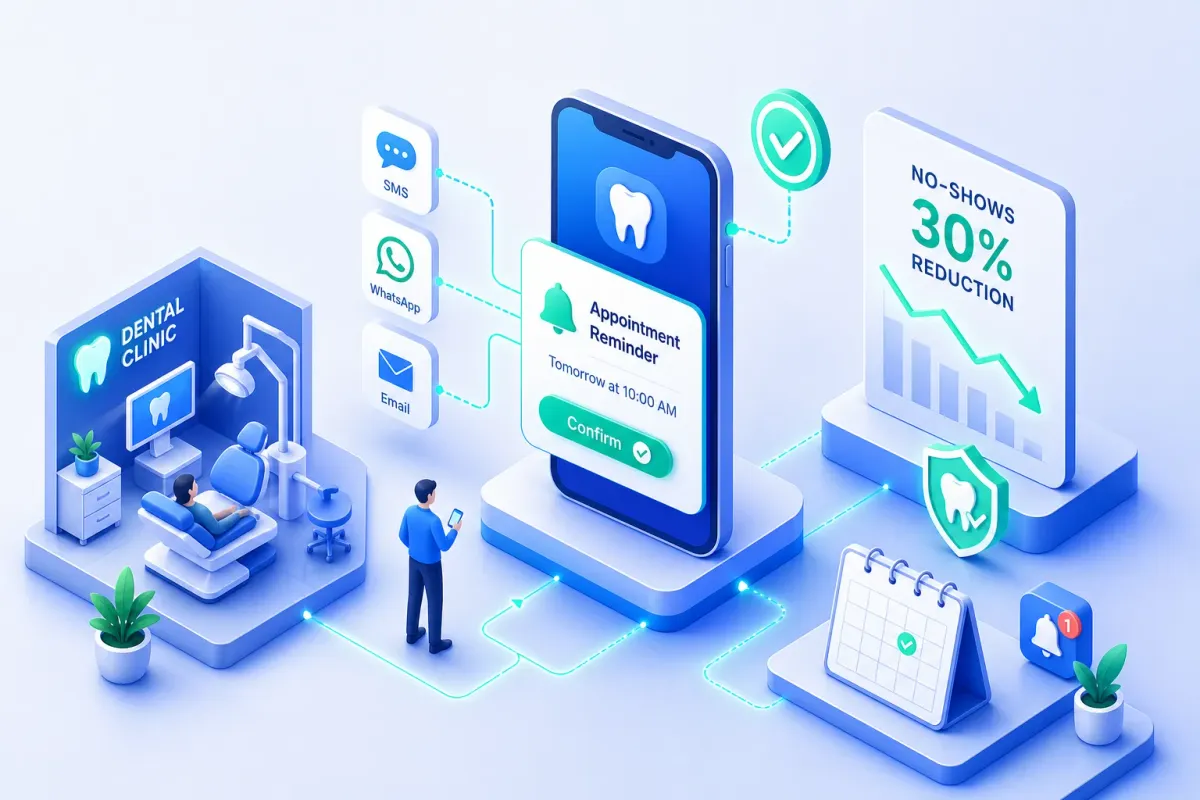
Dental Appointment Reminders That Cut No-Shows by 30%
Dental Appointment Reminders That Cut No-Shows by 30%
Dental appointment reminders reduce no-shows, the average U.S. dental practice loses one in every eight scheduled appointments to no-shows. At $250 to $350 in production value per visit, that's not a minor inconvenience. It's a serious revenue leak that compounds every single week. A study tracking 1.6 million appointments across 64 practices found that a well-structured automated reminder system adds roughly $31,000 in annual production per practice, without adding a single new patient. The fix isn't complicated. What separates low-no-show practices from high-no-show ones is a deliberate, multi-touch reminder system built around the right channels, the right timing, and messages patients actually respond to.
This guide walks through exactly how to build that system. You'll get channel comparisons backed by real data, a timing sequence you can implement immediately, copy-ready SMS and email templates, compliance basics that keep you inside TCPA and HIPAA guardrails, and the revenue math that justifies the investment. Practices running automated pre-visit nurture workflows handle this on autopilot, covered in the final section.
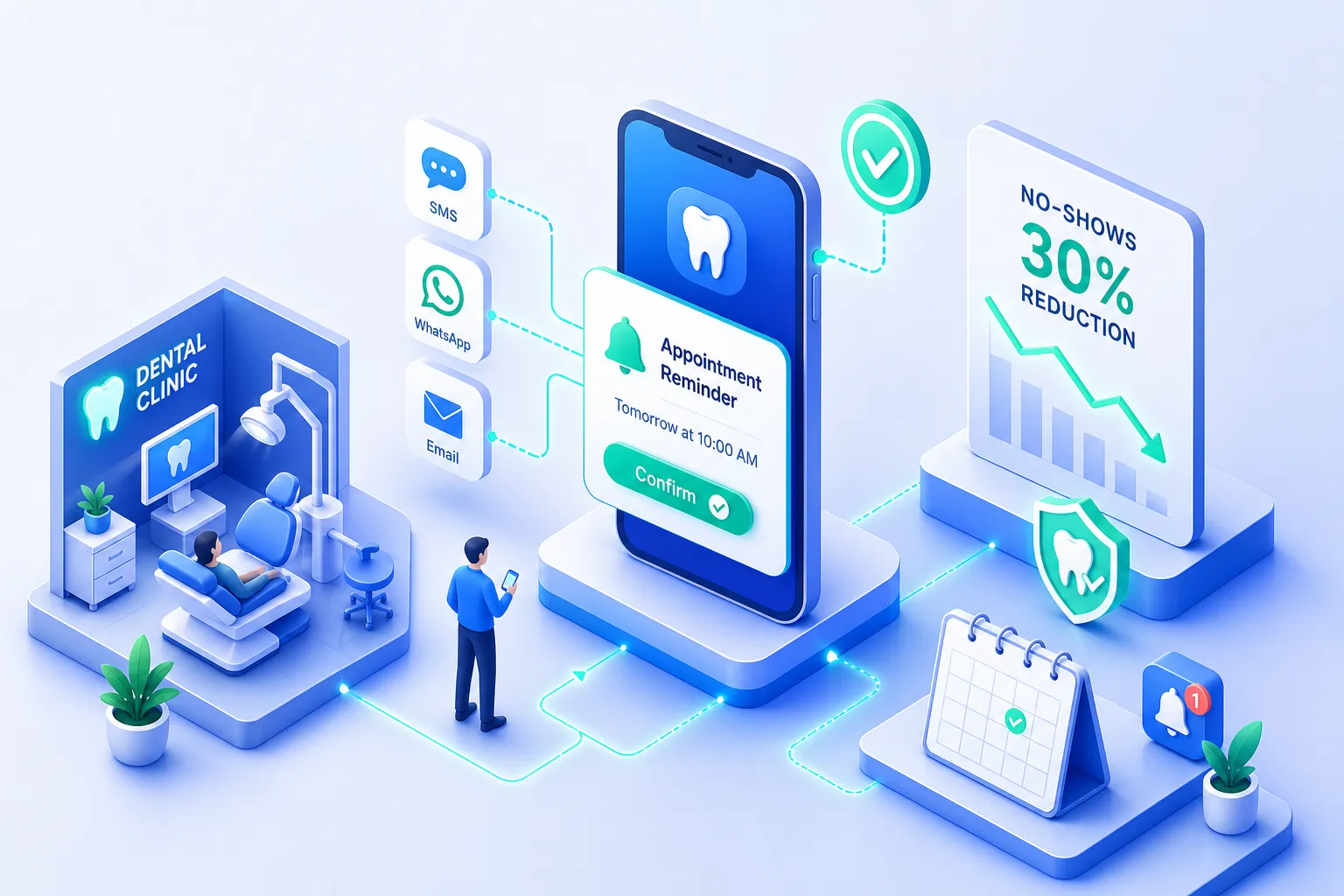
Which dental appointment reminders channel gets you the highest show rate
Channel selection is the single most consequential decision you'll make when building a reminder system. You can have perfectly written messages and an ideal timing sequence, but if you're sending them through the wrong channel, you're leaving a lot of attendance on the table.
Two-way SMS is the clear front-runner for dental appointment reminders. Texts typically see much faster openings and responses than email, which can sit unread for hours. One dental-specific study found no-show rates of 1.90% for SMS, compared with 2.68% for email and 3.49% for phone calls, though researchers noted the difference between channels was not statistically significant in that sample. Still, the directional evidence consistently favors SMS, and the operational advantage is clear: the "two-way" format lets patients reply C to confirm or R to reschedule, giving your practice real-time data instead of waiting for a callback. That instant response is what gives your team lead time to fill an opening before the appointment date arrives.
Email serves a different purpose in your appointment reminders for dentists workflow. It's your information delivery vehicle, not your confirmation tool. At the seven-day mark, email is ideal because it can carry patient intake forms, parking directions, insurance instructions, and pre-visit preparation details without cramming all of that into 160 characters. Where email falls short is as a standalone confirmation mechanism at the 24-to-48-hour window, engagement is too slow. By the time a patient opens and responds, the window to fill a cancellation may have already closed.
Automated voice calls belong in the system as an escalation layer, not a primary channel. Use them for patients who haven't confirmed after the SMS sequence, for older patient segments who are less responsive to text, and for high-value procedures where a no-show is especially costly. Automated IVR calls scale without staff involvement, while live calls convert at a higher rate but require someone to make them. Position voice as your safety net, not your starting point.
The timing sequence that maximizes attendance
Most practices that struggle with no-shows aren't sending the wrong messages. They're sending the right messages at the wrong time, or skipping touchpoints because the reminder system depends on someone remembering to send them. A deliberate cadence fixes both problems.
Standard three-touch sequence for routine appointments
The standard three-touch sequence works well for routine hygiene and exam appointments. Send a booking confirmation immediately after scheduling. This reinforces the commitment and sets expectations. Follow with a two-way SMS confirmation request at 48 to 72 hours out, which gives the practice enough lead time to fill a cancellation if the patient declines. Send a short follow-up at 24 hours for anyone who hasn't confirmed yet. That 24-hour touchpoint consistently shows up as the highest-impact message in the sequence because it catches patients who meant to confirm and simply forgot.
Four-touch sequence for complex or high-risk appointments
Adjust the sequence based on appointment type. For appointments booked weeks or months in advance, such as cosmetic consultations or orthodontic starts, insert a seven-day reminder before the standard 48-hour SMS. For new patients or procedure appointments requiring preparation, sedation, implants, extractions, run a four-touch sequence: booking confirmation, seven days out, 48 hours out, and a same-day logistics text with the address and arrival time. Same-day reminders should be targeted to higher-risk appointments, not broadcast to every patient. Over-messaging erodes trust fast.
One guardrail worth knowing: TCPA guidance limits automated healthcare messages to no more than one message per day and three per week. More practically, dental-specific research consistently shows that two reminders outperform daily nudging. Build a system that's deliberate, not one that floods inboxes trying to compensate for weak messaging.
Appointment confirmation templates that actually get responses
Every high-performing dental reminder template shares four structural elements: the patient's first name, the exact appointment date and time, a single clear call to action, and opt-out language where required. SMS messages should stay at or under 160 characters. Email subject lines should reference the specific appointment date, not generic language like "Upcoming appointment."
Here are three core SMS templates for dental appointment reminders, each built for a specific stage of the sequence:
Booking confirmation: "Hi [First Name], your appointment with [Practice Name] is set for [Day, Date] at [Time] with Dr. [Name]. Reply C to confirm or R to reschedule. Reply STOP to opt out."
48-hour confirmation request: "Hi [First Name], your dental appointment with [Practice Name] is in 2 days, [Date] at [Time]. Reply C to confirm or R to reschedule. Reply STOP to opt out."
24-hour follow-up: "Hi [First Name], reminder: your appointment is tomorrow at [Time] with Dr. [Name]. Reply C to confirm or call [Phone] to reschedule. Reply STOP to opt out."
For email, two templates carry the most weight. The seven-day reminder should use a subject line like "Your appointment with Dr. [Name] is in 7 days" and include forms, directions, and preparation instructions alongside two clear CTA buttons: "Confirm Appointment" and "Reschedule Appointment." The day-before email subject line should be specific: "Reminder: your dental appointment tomorrow at [Time]." Detailed clinical prep instructions belong in email, not SMS. That's the right channel for that kind of content.
Personalization and compliance basics for dental patient reminders
Personalization isn't just about using a patient's first name. The variables that actually move confirmation rates are: patient first name, provider name, appointment type (not just "appointment"), and practice name in every message. Patients respond to specificity because it signals that the message is about them, not a batch blast.
An advanced tactic worth implementing is risk-tiering. Identify your historically high-risk patient segments, such as patients with long gaps between visits or a history of no-shows, and apply a four-touch sequence to those appointments while keeping the standard three-touch sequence for reliable patients. This concentrates your reminder resources where they deliver the highest return.
On the compliance side, HIPAA and TCPA both apply, and neither is as complicated as they sound in practice. Under HIPAA, appointment reminders are treatment communications and don't require a separate patient authorization. Apply the minimum necessary standard: include practice name, appointment date and time, and a callback number. Do not include diagnoses, procedure names, insurance balances, or clinical details in the message body.
Under TCPA, automated SMS reminders and voice reminders to dental patients are permitted under the healthcare message exemption. To qualify, messages must meet all of the following conditions:
Sent to the number the patient provided
Sent by or on behalf of a HIPAA-covered entity or its business associate
Identify the practice in the message
Include an opt-out mechanism such as "Reply STOP"
Carry no promotional content
Stay within theone-message-per-day and three-messages-per-week limits
Get documented, channel-specific consent at intake using separate checkboxes for appointment reminders and marketing communications. Never combine them on the same line. And before you deploy any vendor that handles patient data, confirm they will sign a Business Associate Agreement. Any vendor unwilling to sign a BAA is not a vendor you should use for patient communications.
Measuring what your reminder system is actually worth
The revenue math is straightforward. Take your average appointment production value, multiply it by the number of monthly no-shows you prevent, and you have your monthly recovery figure. A practice with 200 monthly appointments, an average production value of $250, and a no-show rate dropping from 18% to 8% recovers roughly $5,000 per month. Across the research, practices implementing structured automated dental reminders commonly recover $30,000 to $75,000 in annual production, with ROI turning positive within 23 to 47 days.